Appearance
Making your homepage with TailwindUI
TailwindUI is a repository of expertly crafted components that we can use to build websites. In fact, you can kind of see the similarity between the components from TailwindUI and the BuildingBloCS website 😃
Today, we will be using one of their components to build our homepage. Head over here for their hero components and let's get started.
INFO
Before copying and pasting your code, please read through properly in case something goes wrong.
On the right side of the screen, right beside the copy icon, change the HTML option to Vue, then click the copy icon.
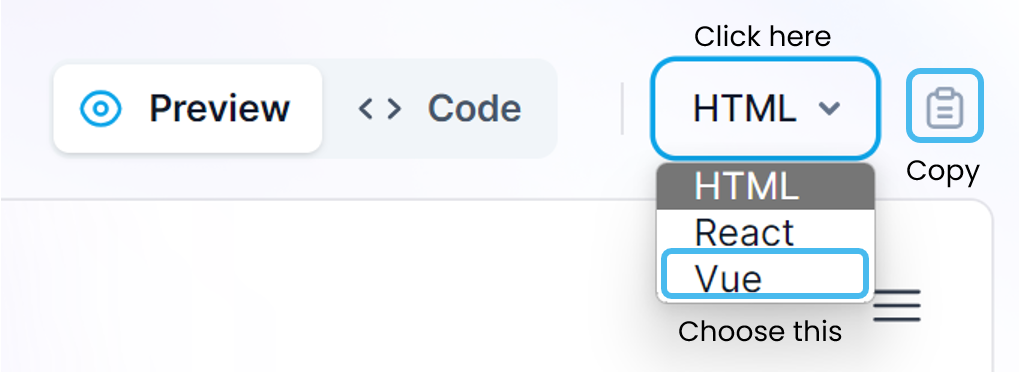
Now go into your index.vue, and Ctrl+A/Select everything and replace it with the code you just copied. To see your app up and running, run this command in the terminal
bash
npm run devYou will receive a notification saying Your application running on port 3000 is available. Click on Open in Browser. Let it load for a while, and then, you should see this.
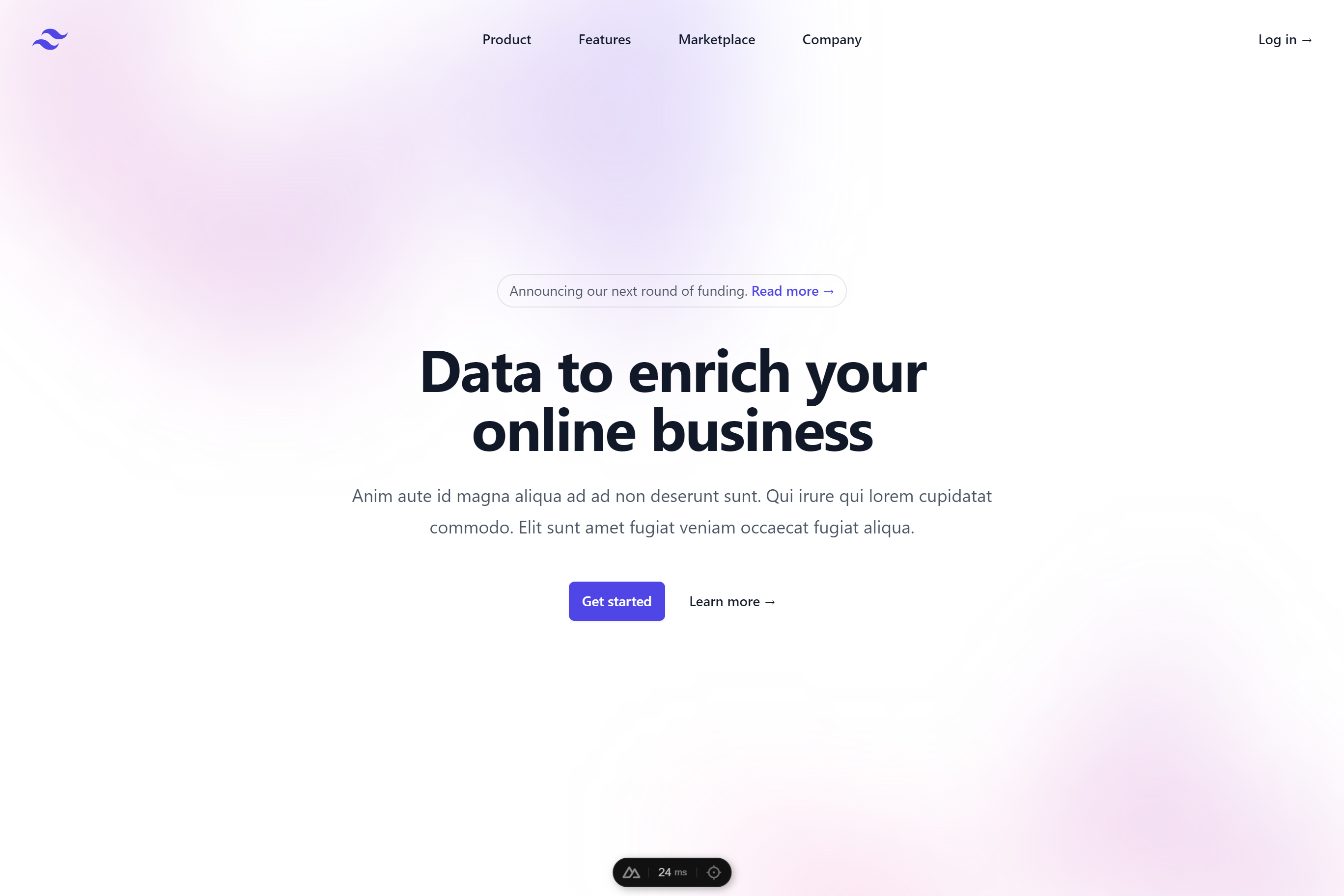
If you see this, you're on the right track! You may proceed on to the next page. If you don't, please let us know.